How to Transfer SIM Ownership in Pakistan (All Networks)
SIMs registered in someone else's name cause real problems: you cannot get a duplicate SIM if the original is lost, biometric verification fails at critical moments, and — most seriously — you have no legal claim to a number tied to your bank accounts and social media. In Pakistan, PTA rules require every SIM to be biometric-verified against the actual user's CNIC. If you are using a SIM registered to a parent, sibling, spouse, or previous owner, transferring ownership into your name is worth doing properly.
This guide explains the ownership-transfer process for Jazz, Zong, Ufone, and Telenor in 2026: what documents you need, where to go, how long it takes, and what it costs. Procedures are current as of 2026 — franchise policies can vary slightly by city, so call the relevant helpline before making a special trip.
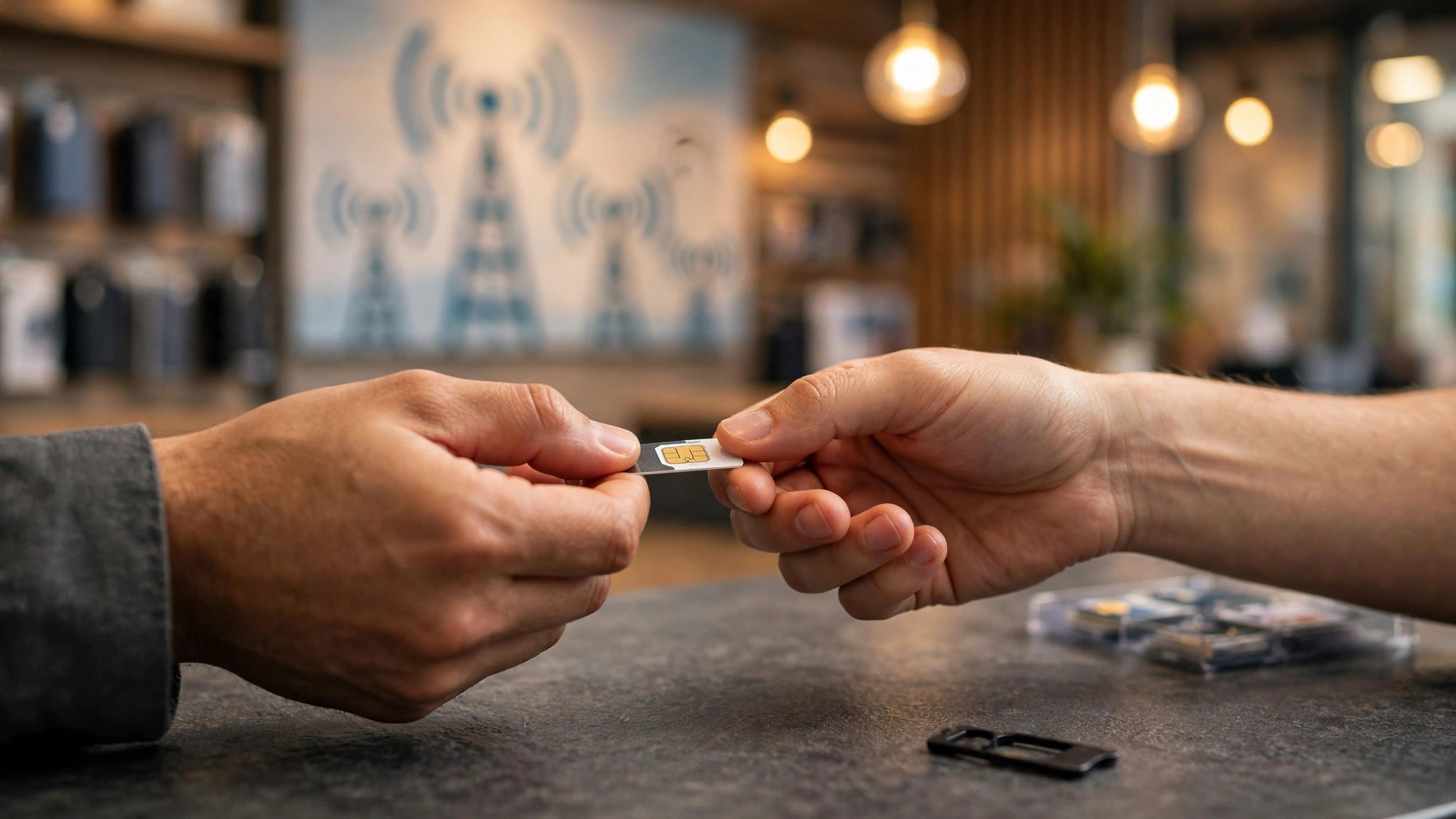
What "SIM Ownership Transfer" Means
Ownership transfer (sometimes called "change of ownership") re-registers the SIM's biometric record from the current owner's CNIC to the new owner's CNIC. After the transfer:
- The number is legally yours in PTA and operator records.
- You can get duplicate SIMs, change packages, and pass biometric verification.
- The previous owner is released from responsibility for the number.
Both parties are generally required to be present — the current registered owner and the new owner — each with their original CNIC. This is the single most important thing to know before you visit a franchise.
Documents Required
- Original CNIC of the current owner (not a photocopy, not a photo on a phone).
- Original CNIC of the new owner.
- The SIM itself should be present/active where possible.
- Some franchises ask for a SIM jacket (the card the SIM popped out of) as extra proof — bring it if you still have it.
If the current owner is deceased, the process differs — franchises handle it as a special case requiring the death certificate and the legal heir's documents. Ask the helpline first; do not just show up.
Where to Go: Franchise vs Retailer
| Channel | Can transfer ownership? | Notes |
|---|---|---|
| Operator franchise / service center | Yes — the reliable route | Full biometric equipment and authority for ownership changes |
| Authorized retailer with biometric device | Sometimes | Many can do it, but policies vary; franchises are safer for transfers |
| Helpline / app | No | Ownership transfer requires in-person biometrics — it cannot be done remotely |
Use the operator's outlet locator (in their app or via helpline) to find the nearest full franchise rather than a small retailer, especially for complicated cases.
Step-by-Step Transfer Process
- Both owners visit a franchise of the SIM's operator (Jazz: helpline 111 to locate; Zong: 310; Ufone: 333; Telenor: 345).
- Bring original CNICs and the SIM.
- Tell the representative you want a change of SIM ownership.
- The current owner verifies biometrically first (thumb impression on the device).
- The new owner then completes biometric verification against their CNIC.
- The representative processes the transfer; you receive a confirmation SMS.
- Keep any receipt/acknowledgment until you have verified the number shows under your CNIC (check via the operator's app or by dialing the SIM-owner check method they provide).
The whole visit typically takes 15–30 minutes if both parties are present with valid CNICs.
Fees (Indicative, 2026)
Operators have charged a nominal processing fee for ownership transfers — historically in the low hundreds of rupees. Fees change, and some franchises waive or vary them, so ask the helpline for the current fee before visiting. Never pay an inflated "agent fee" to a tout outside the franchise; the official counter is the only legitimate channel.
Special Cases
- Owner unreachable or abroad: transfers generally require the current owner's biometrics. If they are abroad, ask the helpline about the current policy — some operators accept documented alternatives, but this is handled case by case.
- SIM registered to a deceased person: legal heir with death certificate + own CNIC; franchise managers handle these individually.
- Company/corporate SIMs: require an authorization letter from the company in addition to personal documents.
- Number inactive for months: long-dead numbers may have been recycled by the operator. Check whether the number is still on your CNIC record before attempting a transfer.
After the Transfer: Protect Your Number
- Verify the number appears under your CNIC (operator app or helpline).
- Update the number's registration where it matters: bank accounts, Easypaisa/JazzCash, and 2FA for email and social accounts.
- Store the SIM jacket and keep your CNIC details secure — SIM-swap fraud starts with identity documents.
How to Check Which SIMs Are on Your CNIC
Before transferring ownership — or if you suspect unknown SIMs are registered in your name — check your record. PTA provides a verification channel: SMS your CNIC number (without dashes or spaces) to 668. You will receive a reply listing the number of SIMs registered against your CNIC per operator. If the count surprises you, visit the relevant operator's franchise to identify and block unauthorized SIMs. Run this check once or twice a year; SIMs issued fraudulently in your name are a genuine identity-theft vector in Pakistan.
Biometric Verification Failures: What to Do
Ownership transfer hinges on successful thumb impressions. If the biometric device rejects your fingerprint:
- Clean and dry your hands — moisture and dust are the top causes of failure.
- Try a different finger; thumbs are standard but any registered finger may work.
- Ask the representative to retry with adjusted pressure — too hard or too soft both fail.
- For persistently failing biometrics (common with elderly users or manual laborers), NADRA offers biometric exception handling — ask the franchise about the current procedure rather than giving up.
Frequently Asked Questions
Can I transfer SIM ownership online or through an app?
No. PTA rules require in-person biometric verification of both parties, so ownership transfer must be done at a franchise (or capable authorized retailer). Helplines and apps cannot do it remotely.
Do both the old and new owner need to be present?
Yes, in the standard process — the current owner verifies first, then the new owner completes biometric registration. Exceptional cases (deceased owner, owner abroad) are handled individually; call the helpline first.
How long does a SIM ownership transfer take?
Typically 15–30 minutes at the franchise counter when both parties bring original CNICs. The number usually reflects the new ownership the same day.
Is there a fee for transferring SIM ownership?
Operators have historically charged a nominal processing fee (low hundreds of rupees), but it varies. Confirm the current fee with the helpline before visiting, and pay only at the official counter.
How can I check how many SIMs are registered on my CNIC?
SMS your CNIC number (without dashes) to 668. PTA's reply shows the count of SIMs per operator against your CNIC. If you find numbers you do not recognize, visit the operator's franchise to have them investigated and blocked.
What if my fingerprint fails during the transfer?
Clean/dry your hands, try another finger, and ask the agent to adjust pressure. For chronic failures, NADRA has a biometric exception process — ask the franchise about the current procedure.